
Accessibility audits
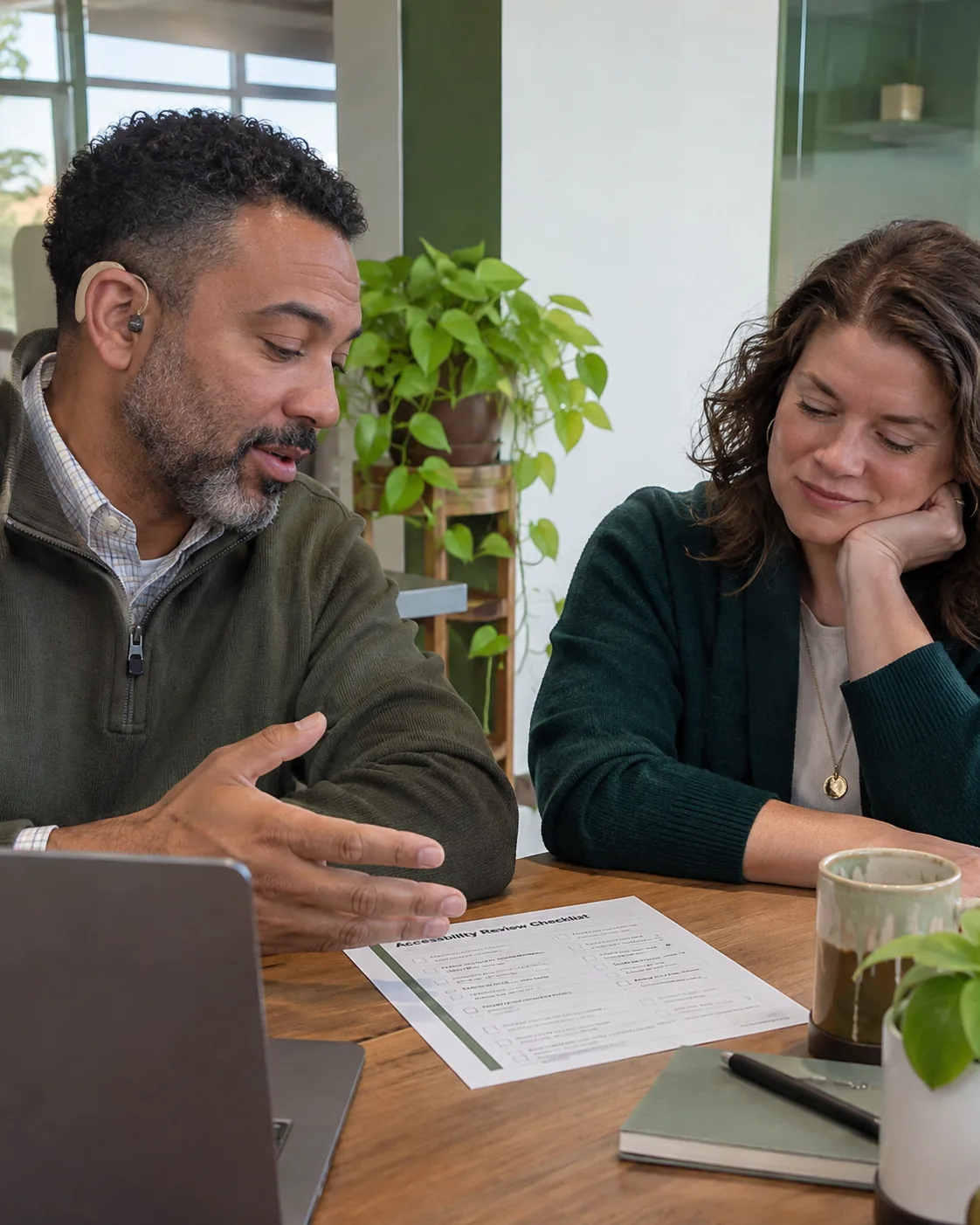
Automated scans plus manual keyboard and screen-reader testing against WCAG 2.2 AA, with every issue ranked by impact.
A site everyone can use, people can find, and you can measure.
A website accessibility audit and WCAG remediation, visibility in classic and AI-generated search results, and analytics that report the actions you care about, not just traffic.
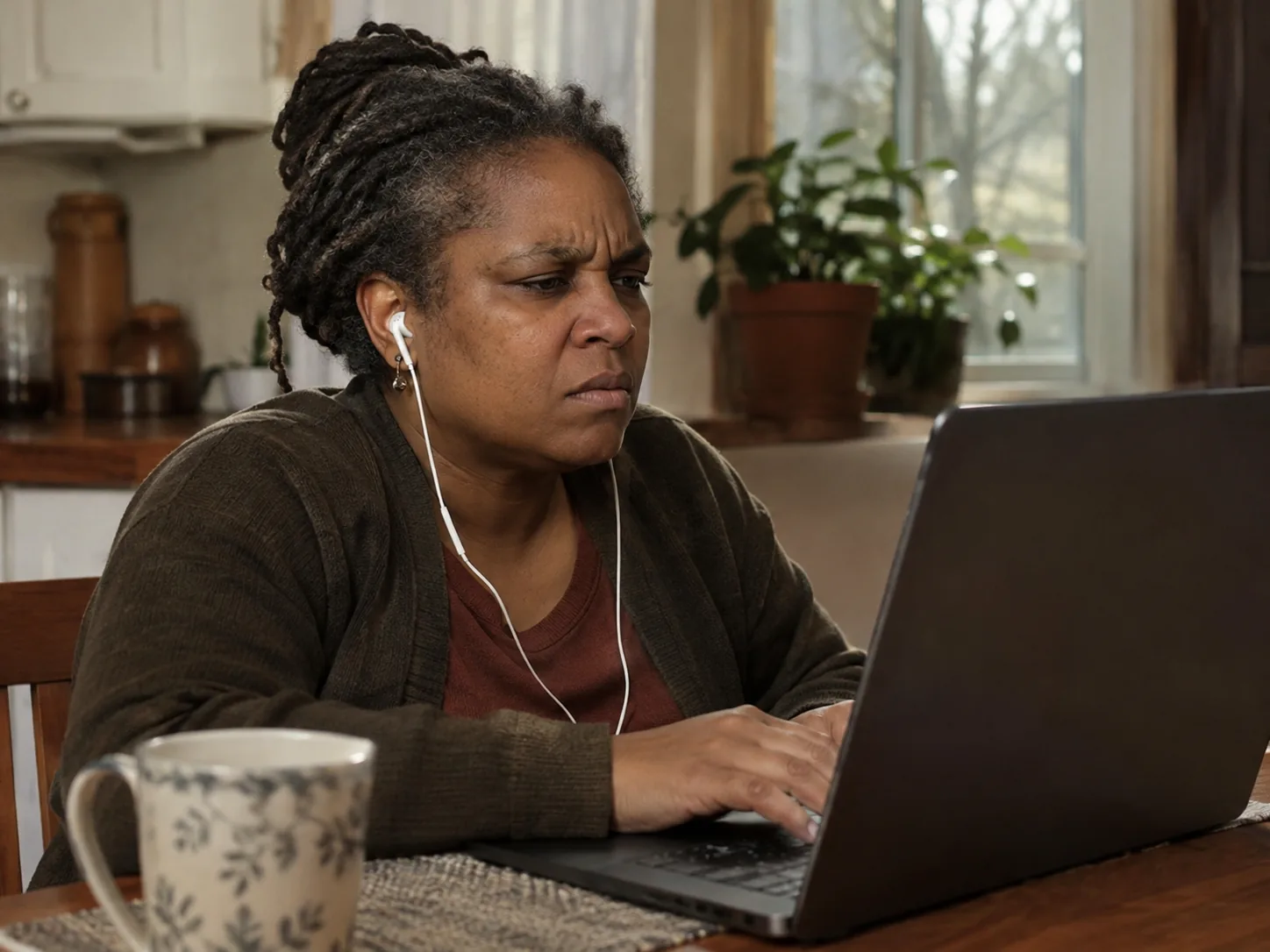
Can everyone use it? Can people find it? Is it working? An automated scan says the site is mostly fine, the rankings look stable and the analytics count sessions. None of that tells you whether a screen-reader user can renew, whether your answers appear when someone asks an AI assistant, or whether the site produced a single registration last month.
We answer all three with evidence: hands-on accessibility testing, a search review that covers generative results, and measurement built around your mission actions.
Two or more of these sound like you? In a 30-minute call we can tell you where your biggest risks are, and what to fix first.
When every visitor can complete the important tasks, search engines and AI tools can read your answers, and the dashboard counts what matters, the website becomes something you can defend to your board.
Renews, registers or gives with a keyboard or a screen reader.
Find your answers in search results and AI overviews.
Sees the actions the site produced, in plain language.
Take one part or all three. They share the same evidence, so each one makes the others more useful.
Automated scans plus manual keyboard and screen-reader testing against WCAG 2.2 AA, with every issue ranked by impact.
The fixes made in your templates, components and content, then tested again.
An honest accessibility statement, and editor training so new content stays accessible.
Technical fixes, content structure, structured data and redirects, so the people looking for you find you.
Content and structured data that AI answers and overviews can read, quote and link back to.
Tracking for the actions that matter, and a dashboard your leadership can read without a guide.
Accessibility, search and analytics reviewed on your real pages, templates and journeys.
A findings report ranked by impact on the people you serve, with the quick wins marked.
We make the changes, or work alongside your team or current developer while they do.
Every fix checked again, and reporting set up so you can see the difference.
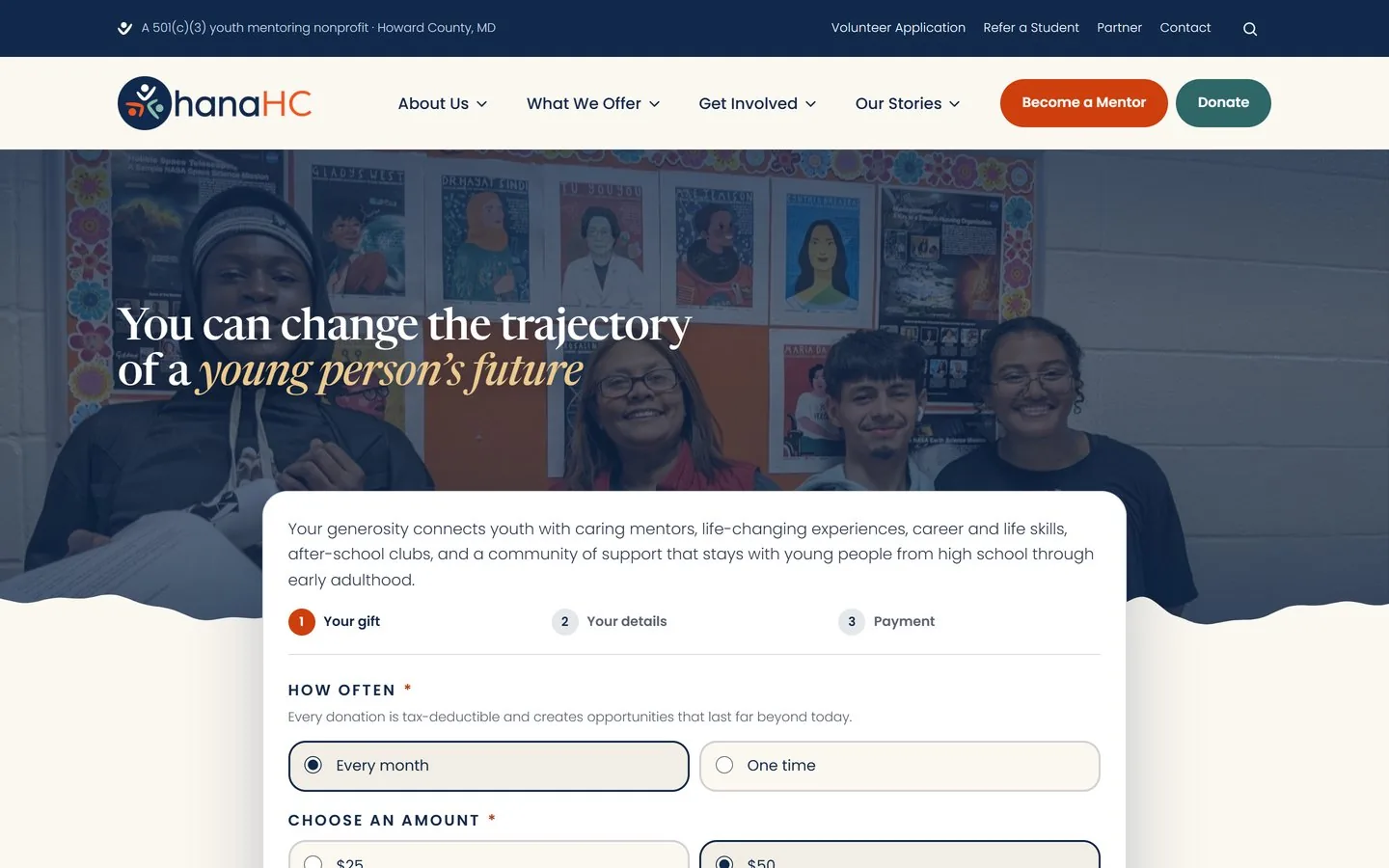
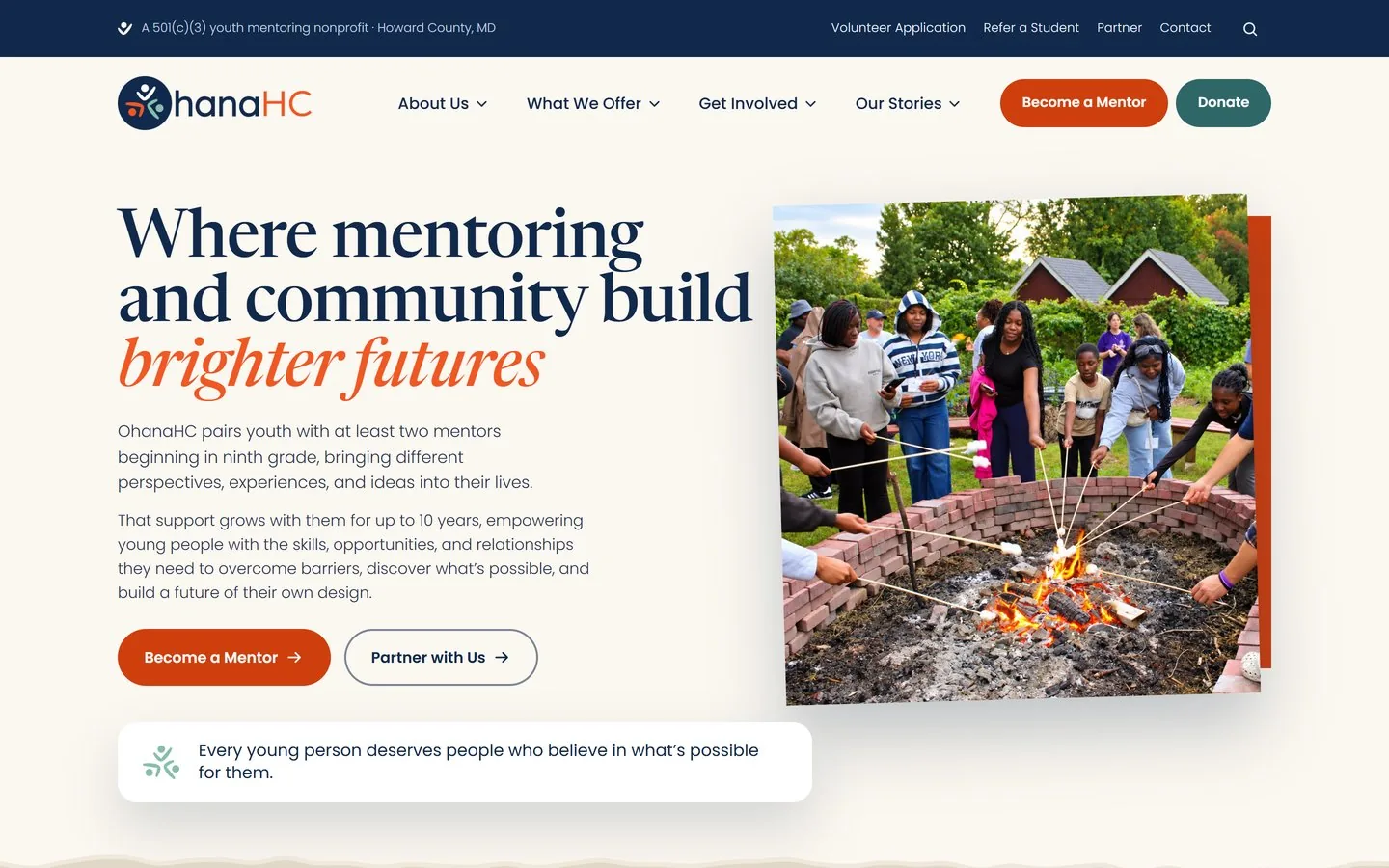
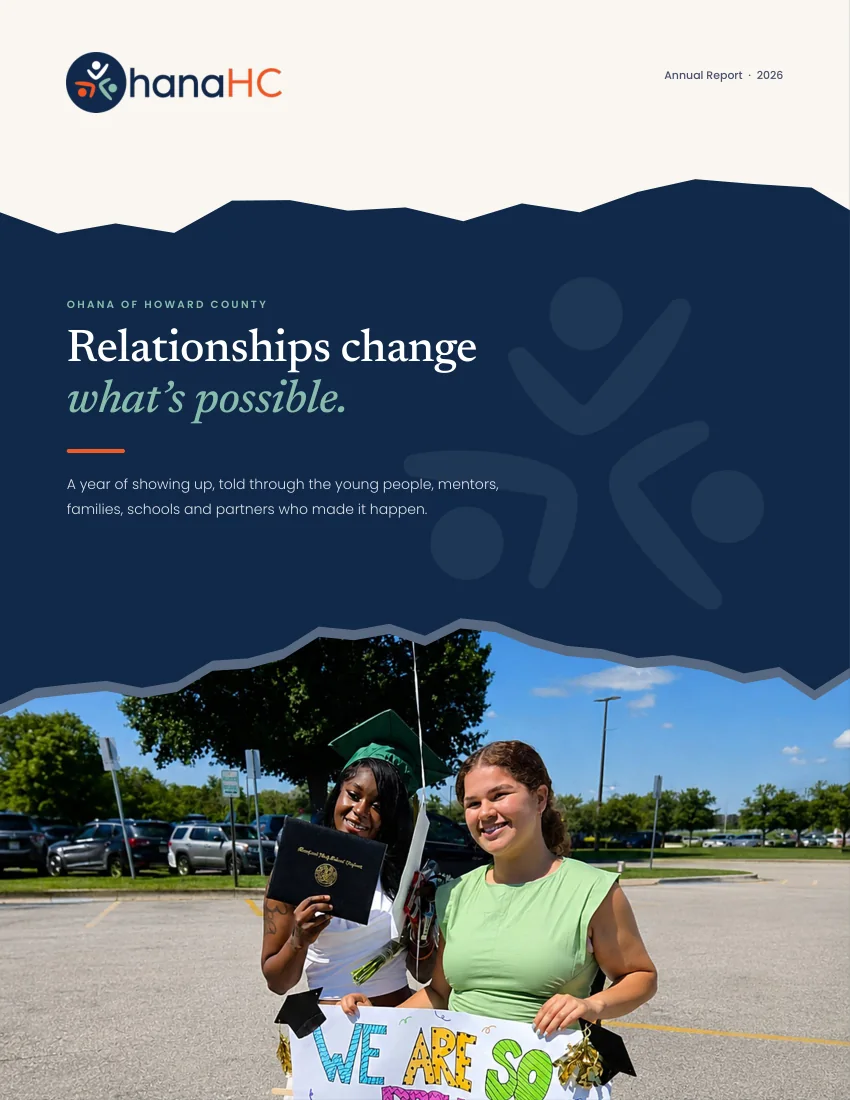
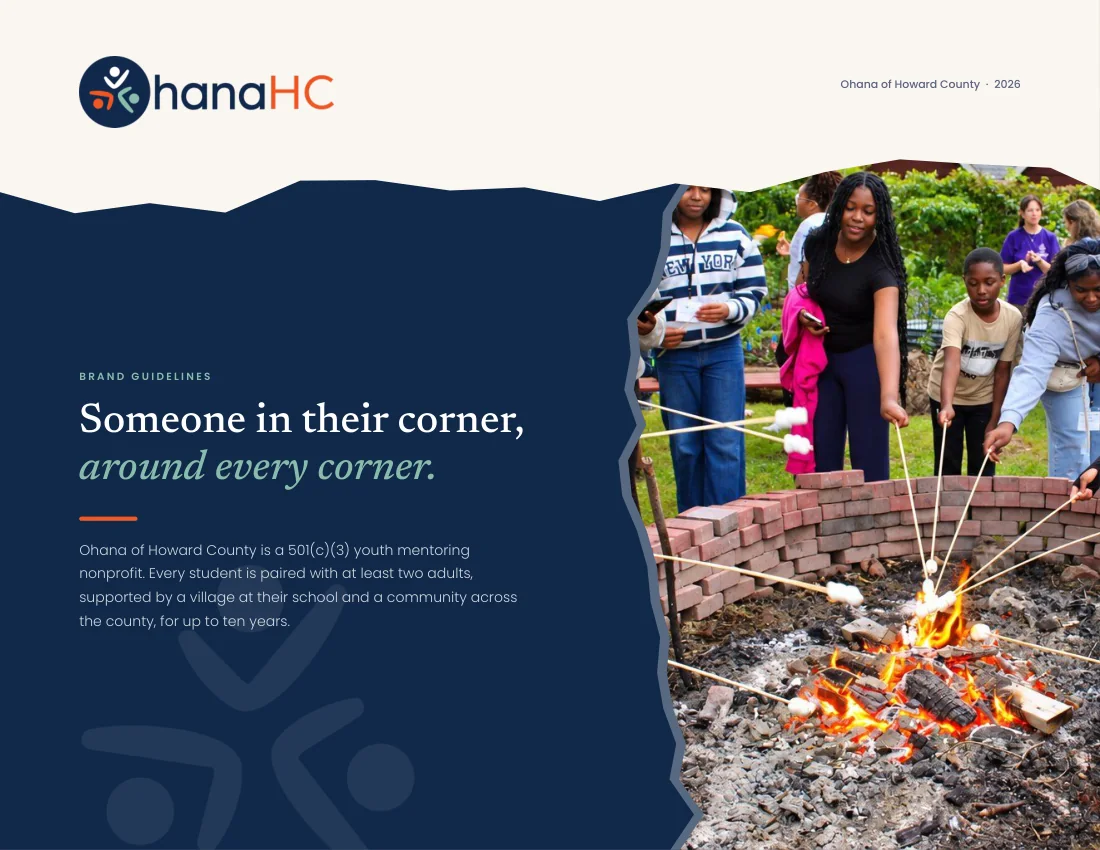
The new site for Ohana of Howard County, a youth mentoring nonprofit, raised its accessibility score from 91 to 100 and kept a perfect search score through the rebuild. It launched tracking seven mission actions, where the old site tracked none, with a reporting dashboard live from day one.
The questions organizations ask us most before an audit. If yours is not here, ask it on a call.
No. Automated tools catch a share of issues quickly, but problems such as a confusing reading order, a keyboard trap or an unhelpful image description only show up when a person tests the page. We do both.
WCAG 2.2 AA. It includes everything in WCAG 2.1 AA, the standard the Department of Justice adopted for state and local government websites under ADA Title II. Our article on what Title II and Title III actually require explains who is covered.
It is how your content shows up when an AI tool answers a question instead of listing links. It builds on good search practice rather than replacing it. Read generative engine optimization, demystified.
Traffic shows that people arrived, not whether they did what you needed. We track the actions behind your goals, including the parts of the site behind a login. More in your analytics stop at the login wall.
They last when the source is fixed. We correct the templates and components, so most issues cannot come back, and train your editors so new content stays accessible.
Yes. We can make the fixes ourselves, or hand your team or developer a ranked list and work alongside them while they do.
Yes. Documents are often where most accessibility problems hide. See PDF Accessibility Conversion.
Tell us what you want to build, fix or grow. In 30 minutes we will tell you how we would approach it and what it would take.